
Power BI in practice
Explore the reports we build for our clients
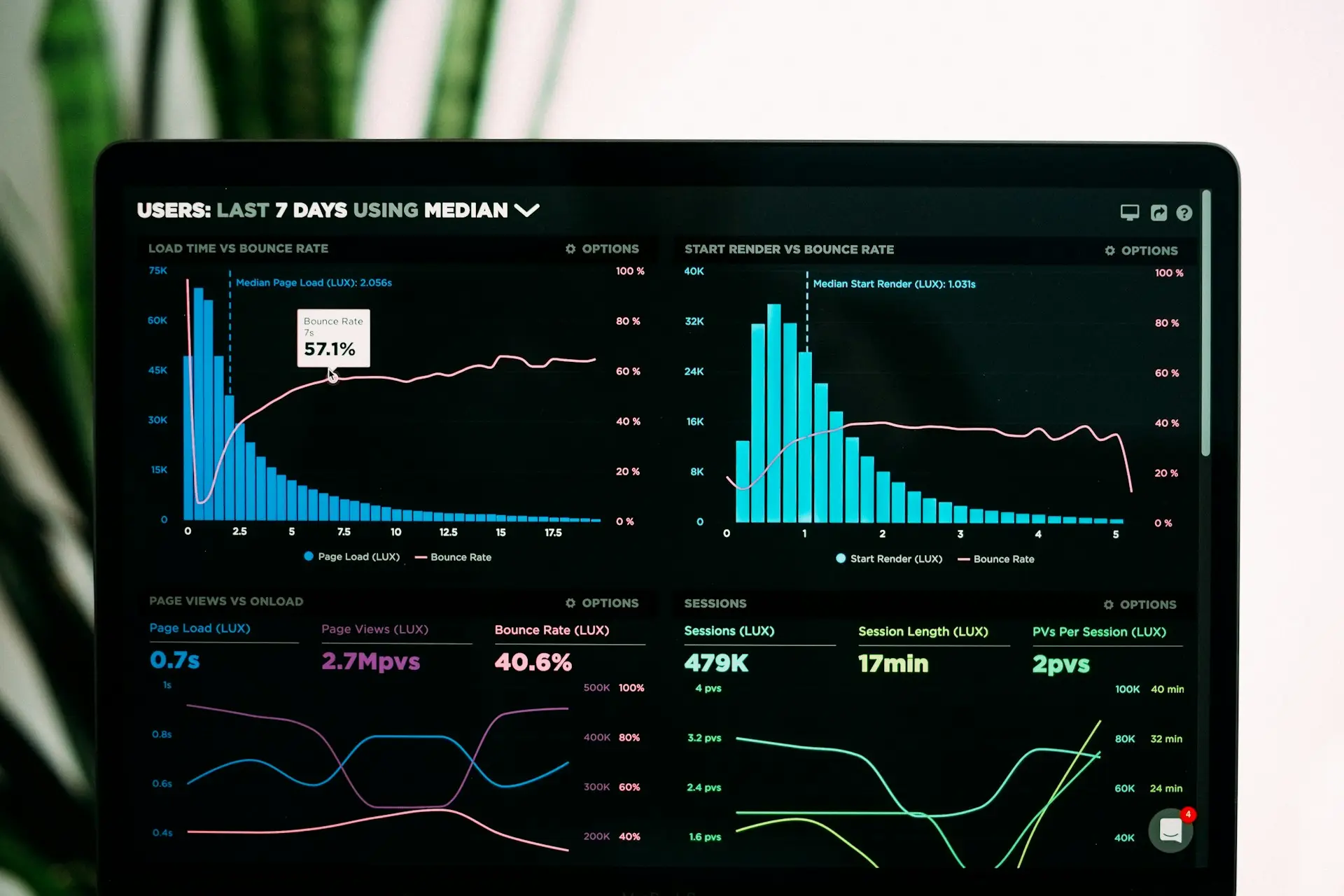
Before your first coffee is finished, you already know where the business stands: sales, profit, cash and receivables, on your phone. No waiting on your team, no spreadsheets to compile. Choose a report and see the daily highlights.
All figures are fictitious and for illustration only.
Smart reportPower BI
Every report is fully interactive on this page. In the BI reports, click any chart, customer or country and every figure updates instantly; the smart reports add filters, search and written commentary. All figures are fictitious and for illustration only.
Cash flow
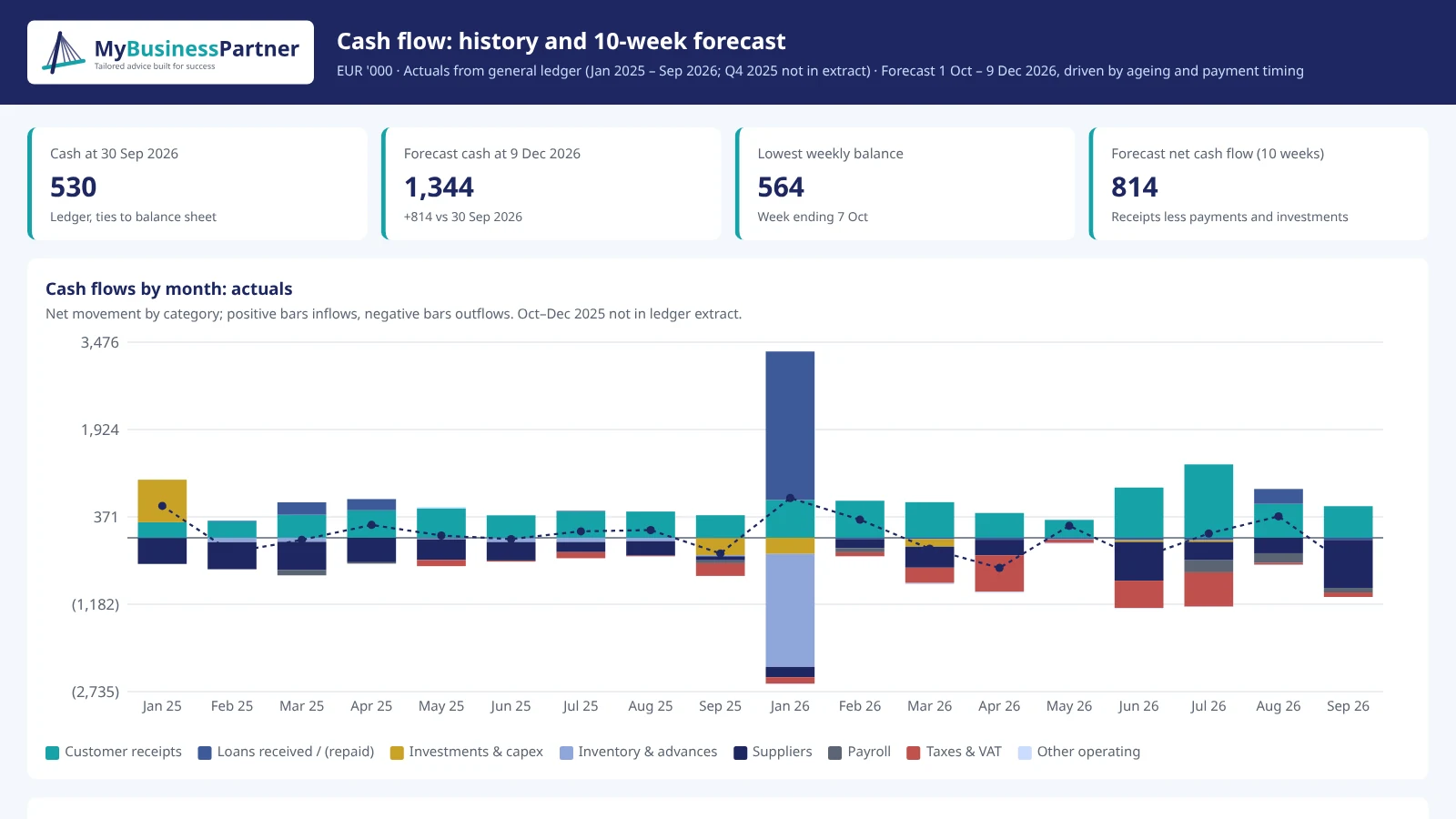
Historical CF movements by month plus a 10-week forecast. The forecast is built bottom-up from receivables and payables: adjust the assumptions (collections, payment terms, payroll, capex) and see the impact instantly.
Key questions it answers
- What will our cash position be in 10 weeks?
- Which week is the tightest?
- What if customers pay 15 days later?
Frequently asked questions
No technical expertise required
Do I need any technical skills?
No. You receive the report as a link and open it on your computer or phone, like any web page. Filter or drill down into any figure with a click, as in the examples above.
Where does the data come from?
From the systems you already use: your ERP, CRM, web platforms and Excel files. Data is extracted automatically, with no manual re-keying.
How current is the data?
Reports refresh automatically on an agreed schedule, for example every morning. No more waiting for month-end close to see how the business is performing.
Who has access to my data?
Only the people you authorise. Row-level security ensures each user sees only what they need, for example a sales rep sees only their own customers.
What if we already report in Excel?
We build on it. We keep what works and replace manual spreadsheet consolidation with automated data feeds.
Which platform do you use?
We assess your requirements, existing systems and expected benefits, then recommend the best-fit solution. No prior knowledge of the tool is needed: you and your team are trained on the finished interactive reports.
How a report is built
From ERP data to management decisions
Every report is designed around the questions you need answered to make decisions. We extract data automatically from your ERP and other internal or external sources, define clear KPIs and schedule automatic refreshes, so the numbers are always current on desktop and mobile.
- Automated data feeds from your ERP, CRM, web platforms, Excel and other sources
- A single source of truth for KPI definitions
- Scheduled refresh and alerts
- Secure link access, on desktop and mobile


Let’s talk about your numbers.
Tell us briefly about your business and the challenge at hand. We’ll come back with a recommended next step and the engagement model that fits.